Prices live in a spreadsheet.
Someone who knows the lanes fills in the table. When they are busy or on leave, quotes wait.
Danube · Price calculator API
Send a route, a vehicle and a cargo. Get back a price without VAT, its breakdown and the transit time, in a few seconds. A pricing engine built for European road freight, available as an API you integrate for a fee.
{"distanceKm": 1512,"transit": {"pickup": "2026-11-16","delivery": "2026-11-19","days": 3},"price": {"net": 2150.00,"vat": 0.00,"total": 2150.00,"currency": "EUR"},"breakdown": [ … ]}Why an API
Someone who knows the lanes fills in the table. When they are busy or on leave, quotes wait.
The visitor fills in a form and waits for an email. Most of them ask three other companies in the meantime.
Distances, tolls, vehicle types, groupage rules and service levels are a product in themselves, not a side project.
What you send, what you get
The route goes in as addresses or cities, with intermediate stops if there are any. You add the vehicle, the type of transport and what is being carried.
GET /price/route?stops=Bucharest, RO ~ Munich, DE&vehicle=TRUCK_40T_TILT&transport=FTL&service=STANDARD&cargo=General Cargo&weightKg=22000&pickupDate=2026-11-16 Authorization: Bearer ••••••••••••The answer carries the price without VAT, the VAT and the total, with the breakdown of what makes it up. The distance, the transit time and the pickup and delivery dates come in the same answer.
{"distanceKm": 1512,"transit": {"pickup": "2026-11-16","delivery": "2026-11-19","days": 3},"price": {"net": 2150.00,"vat": 0.00,"total": 2150.00,"currency": "EUR"},"breakdown": [ … ]}The API returns a calculated price for the shipment. What you show the client is your decision: add your margin as a percentage in the call, or apply your own rules after it.
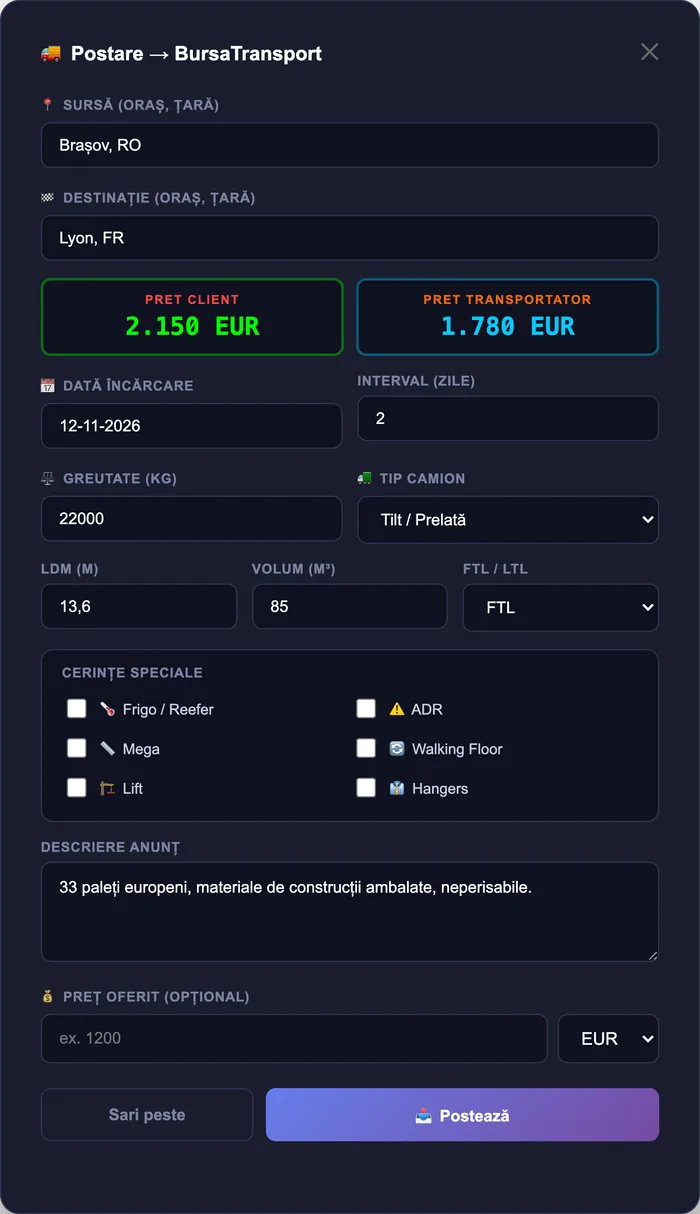
Screens are from the platform, with sample data. Some show the Romanian interface; the app also runs in English.
Where it fits
The engine is the same; what changes is where you call it from.
The visitor gets a price while still on the page and can order on the spot.
The salesperson sees a reference price on the request, before calling carriers.
Hundreds of lanes priced in one run, exported to the table the client asked for.
A shipping option with a real price for your own customers, under your brand.
A reference to compare an offer with before you accept it.
An agent that answers “how much to Munich?” with a number it did not invent.
How integration works
Countries, vehicle types and volumes. We confirm coverage before you write any code.
Documentation, example calls and a key for trying it against your own routes.
Your developers call the API, or we build the integration with you as a custom project.
A production key, a monthly fee by volume and usage you can follow.
Questions
It is a paid integration: a setup fee and a monthly fee that depends on the number of calls. Tell us your expected volume and you get a fixed offer before any work starts.
European road transport, domestic and international. Coverage depends on the lane and the vehicle, so we confirm yours with a test on your real routes before you integrate.
The API returns a calculated market price for the shipment you describe. How you use it (as an instant offer, an indication or an internal reference) is your commercial decision.
No. The API works on its own, with any website or system. In Danube TMS the pricing engine is already built in on the Enterprise plan.
Yes. If you do not have developers, we build the form, the portal or the connection to your system as a custom project, with a fixed proposal.
You compare them with what you quote today and decide whether the API earns its place in your system.